Also available in: Tiếng Việt · Bahasa Indonesia · ภาษาไทย · Português · Қазақша · 中文 · Français · العربية · Русский · Español
No compatible devices foundCar not in the device list?The car hasn't allowed this computer yetThe car's USB port is used by another program
On this page
When you press Connect Head Unit in the JaecooApp installer, the browser opens a list of USB devices. If the car is not in it, or the list says No compatible devices found, one of the checks below is almost always the cause. Go through them in order; most people are done after the first two.
Cause 1: A charge-only cable or the wrong port
Many USB cables only carry power. They charge a phone fine, but the car never shows up.
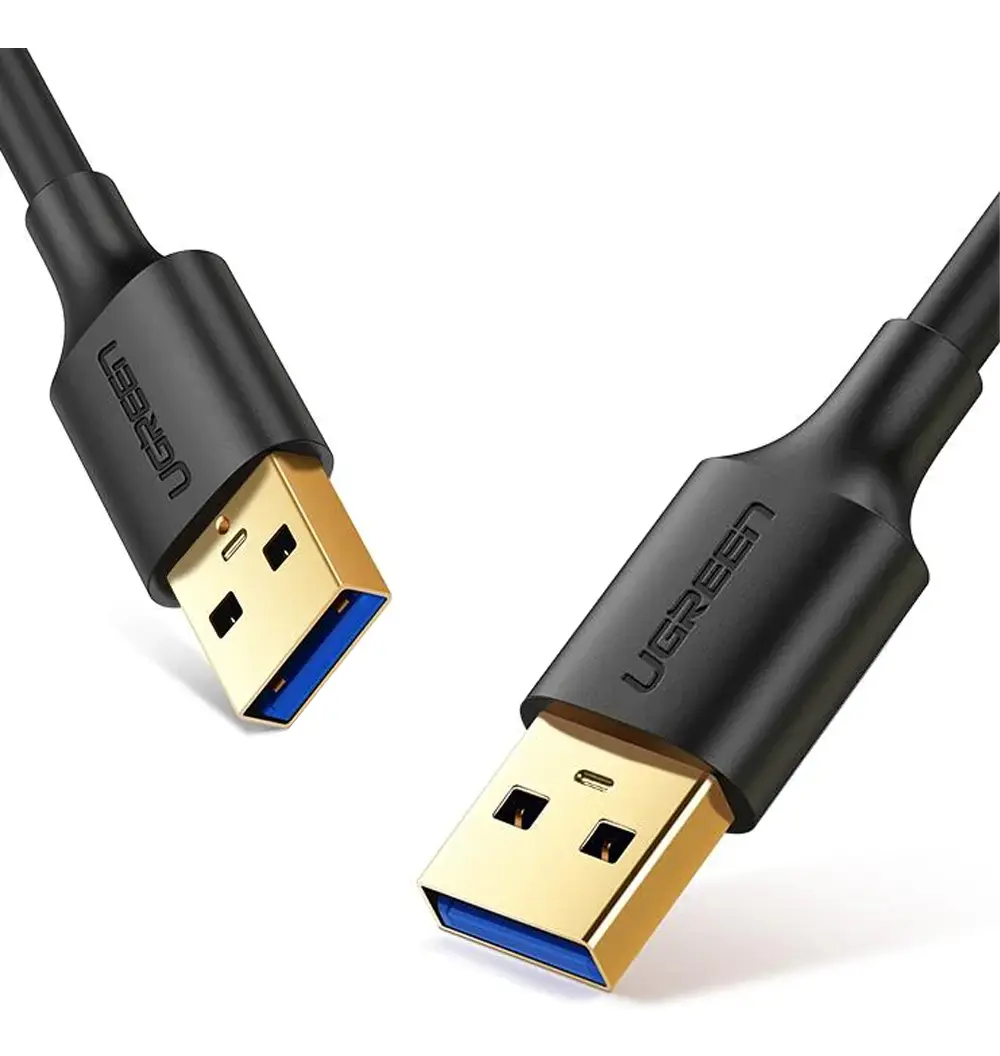
- Use a USB-A to USB-A data cable. If your laptop or phone only has USB-C, add a USB-C to USB-A OTG adapter.
- Plug into the car’s USB-A port used for Android Auto / Apple CarPlay. The USB-C port in the car is for charging only.
- Try another USB port on the computer.
Cause 2: ADB is not enabled
The car only offers itself to the browser when ADB is on.
- Open the engineering menu: on the Jaecoo J7, tap the Version information title in Settings → System 10 times; on the Omoda C5, tap the bottom-left corner of that screen 10 times.
- Open ADB SWITCH and check Adb Switch is set to Open.
The ADB guide walks through it with pictures and the password calculator.
Cause 3: The car screen is off or Bluetooth is on
- Keep the car switched on with the screen awake for the whole installation.
- Turn off Bluetooth on the head unit and disconnect paired phones before you connect.
Cause 4: The car has not allowed this computer
If the car appears in the list but connecting fails with The car hasn’t allowed this computer yet:
- Look at the car screen and tap Allow in the Allow USB debugging? dialog. Tick Always allow from this computer.
- No dialog? Turn Adb Switch off and on again in the engineering menu, then unplug and replug the cable.
- Press Connect Head Unit again.
Cause 5: Another program holds the USB connection
The message The car’s USB port is used by another program means something else on the computer already talks to the car over ADB.
- Close any other tab with the installer open.
- Quit Android Studio, scrcpy and other ADB tools.
- If ADB is installed on the computer, run this in a terminal:
adb kill-server- Unplug the cable, plug it back in and press Connect Head Unit.
Frequently asked questions
Which browsers work?
Google Chrome and Microsoft Edge on Windows, macOS, Linux or Android. Firefox and Safari do not support WebUSB.
Can I use the USB-C port in the car?
No. The car's USB-C port only charges. Use the USB-A port for Android Auto / Apple CarPlay.